Account Security for Creators: Passwords, Passkeys, 2FA and Avoiding Takeover Scams
How creators can protect their social, email and domain accounts with password managers, passkeys and two-factor authentication, and how to spot common takeover scams.
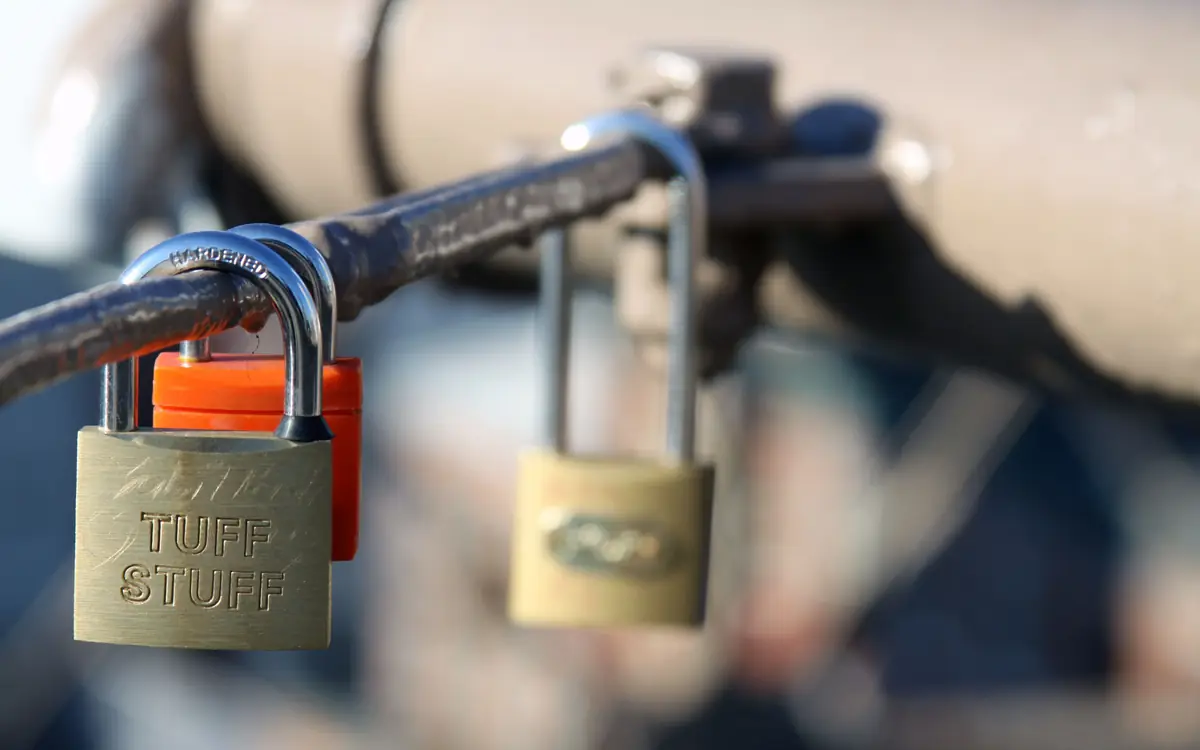
For a creator, a hacked account can mean losing years of work overnight: followers, content, income and reputation. Creator accounts are attractive targets because they have audiences that scammers can exploit. The good news is that a handful of practical steps prevent the vast majority of takeovers.
Start with your email
Your primary email account is the master key. Most other accounts can be reset through it. If someone controls your email, they can take over almost everything else.
- Use a strong, unique password for your email.
- Turn on the strongest two-factor authentication it supports.
- Review recovery options: a recovery phone number and recovery email you control.
- Review connected apps and devices; remove anything you do not recognise.
Use a password manager
Reusing passwords is the most common cause of account takeovers. When one site is breached, attackers try the same email and password on other sites, a technique known as credential stuffing.
A password manager generates and stores a unique, strong password for every account. Widely used options include 1Password, Bitwarden, Dashlane, and the built-in password managers from Apple, Google and Microsoft. Choose one, install it on all your devices, and gradually change your important passwords to unique, generated ones.
Protect the password manager itself with a strong master password and two-factor authentication.
Turn on two-factor authentication everywhere
Two-factor authentication (2FA) adds a second step beyond your password. Options, from strongest to weakest:
- Passkeys or hardware security keys (such as FIDO2 keys): resistant to phishing because they only work on the genuine site.
- Authenticator apps (such as Google Authenticator, Microsoft Authenticator, Authy or your password manager's built-in authenticator): generate time-based codes.
- SMS codes: better than nothing, but vulnerable to SIM-swap attacks, where a criminal convinces your mobile provider to transfer your number.
Turn on 2FA for: email, social platforms, YouTube/Google, newsletter platform, website host, domain registrar, payment and banking, password manager and cloud storage.
Save your backup codes somewhere safe, such as your password manager or printed and stored securely. Losing your phone without backup codes can lock you out.
Passkeys
Passkeys are a newer sign-in method supported by many major services, including Google, Apple, Microsoft and a growing number of social platforms. Instead of a password, your device creates a cryptographic key pair; you sign in with your device's fingerprint, face recognition or PIN. Passkeys cannot be phished in the usual way because they are tied to the genuine website. Where available, they are one of the strongest protections.
Protect your domain
If you have a website, your domain registrar account is critical. Someone who takes control of your domain can redirect your website and email.
- Use 2FA on your registrar account.
- Turn on registrar lock (sometimes called transfer lock).
- Keep contact details current so you receive renewal reminders.
- Turn on auto-renew so the domain does not expire.
Recognise common scams targeting creators
Fake brand partnership emails
Scammers pose as brands offering collaborations, then send a "contract" or "brief" as a malicious file, or a link to a fake login page. Warning signs:
- Generous offers from brands you have never heard of, or well-known brands emailing from free email addresses.
- Requests to download software or files to "view the brief".
- Pressure to act quickly.
Verify by checking the sender domain, searching the brand's official contacts and never entering passwords on pages reached from email links.
Fake copyright or policy violation notices
Messages claiming your account will be deleted for copyright or policy violations, with a link to "appeal". Platforms generally notify you through the official app or account dashboard. Go there directly rather than clicking links.
Fake verification offers
Offers to get your account verified for a fee or by "confirming" your details. Verification is handled through official platform processes.
Session hijacking
Some attacks steal browser session cookies through malware, bypassing passwords and 2FA. Protect yourself by keeping your operating system, browser and apps updated, avoiding pirated software and browser extensions you do not trust, and being careful with files from unknown senders.
Team access done safely
If assistants, editors or managers help with your accounts:
- Use platform features for delegated access, such as Meta Business tools for Instagram and Facebook, and YouTube channel permissions, instead of sharing passwords.
- Give the minimum access needed.
- Remove access promptly when someone stops working with you.
- If you must share credentials, use a password manager's sharing feature.
Back up your content
Account security is also about recovery. Regularly download your data from platforms, keep original files and maintain backups. See our guide to backups for creators.
If you are hacked
- Try to recover the account through the platform's official recovery process immediately.
- Secure your email first if it is affected.
- Change passwords and revoke sessions on all accounts that share the same password.
- Warn your audience through other channels so they do not fall for scams from your account.
- Contact the platform's creator or business support if you have access to it.
- Check your devices for malware.
A one-hour security session
- Install a password manager.
- Change your email password to a unique, generated one and turn on strong 2FA.
- Turn on 2FA for your top five accounts.
- Save backup codes.
- Enable registrar lock and auto-renew on your domain.
- Review connected apps on email and social accounts.
One hour now can save you from losing years of work later.
Recognising common creator scams
Attackers frequently target creators with:
- Fake sponsorship offers containing malicious attachments or "contract" links.
- Fake copyright or policy warnings that lead to credential-stealing pages.
- Fake verification offers asking for login details.
Verify unexpected messages through official channels. Never enter passwords via links in messages, and never download "contracts" as executable files.
Frequently asked questions
Are passkeys safer than passwords? Passkeys are designed to resist phishing because they are tied to the real website. Use them where available.